One Year of Tucu UI: Lessons from Maintaining an Open Source Design System
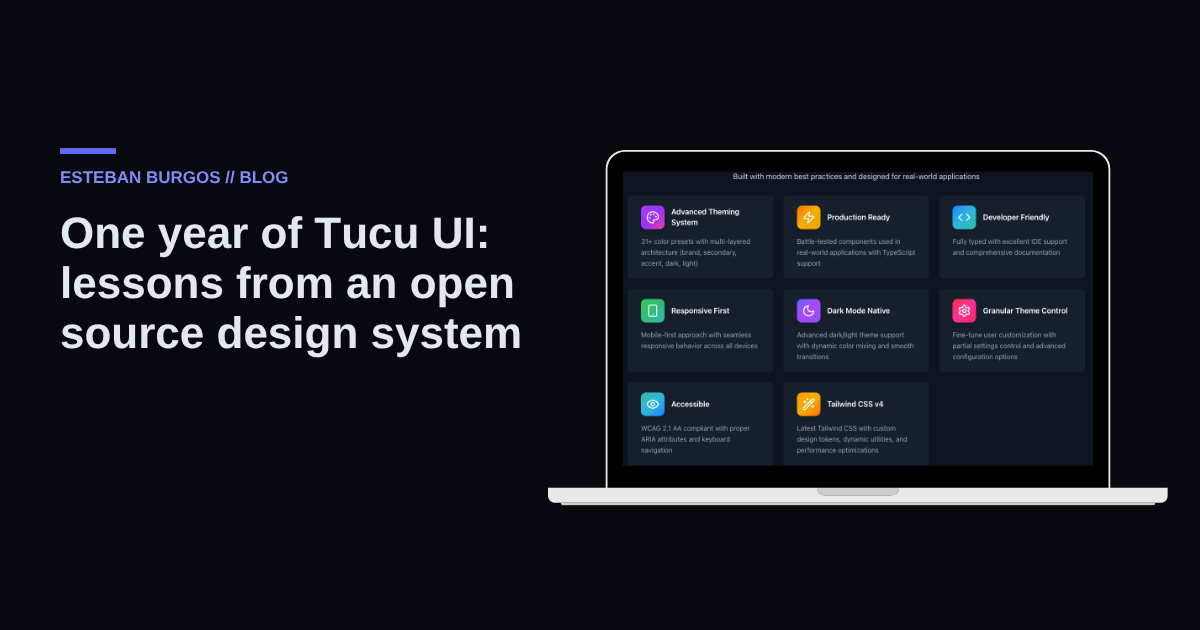
A year ago I started working on Tucu UI, an open source React component library with macOS-style layout variants. It is a personal project that I maintain in my spare time, alongside my work as a Forward Deployed Engineer. In this post I share what I learned about API design, documentation, and versioning, and which decisions I would reconsider today.
This is not an installation tutorial or a changelog. It is a reflection for anyone evaluating something similar: is it worth building your own component library in 2026, with so many options already available?
Why build your own component library
The question I got most this year was simple: why not use something that already exists? There are solid, mature options with huge communities behind them. My answer is that Tucu UI was not created to compete with them, but to solve a concrete problem I had: I wanted a component system that treated layout as part of the design, not as an accessory added afterwards.
Most component libraries offer buttons, inputs, modals, cards. But layout —how the application is organized, how the sidebar behaves, how panels interact— usually falls outside their scope, and every project ends up reinventing it. With Tucu UI I decided to approach it the other way around: layout is a central part of the design from the start.
Maintaining your own library also forces you to take a stance on every API decision. There is no "that's how everyone does it" to lean on: every prop, every naming convention, every default is a decision you have to justify, even if only to yourself. It is uncomfortable at first, but it turned out to be one of the best API design exercises I have done in years.
Layout variants and themes: the heart of Tucu UI
If one feature defines Tucu UI, it is the macOS-inspired layout variants. The idea came from something practical: I wanted applications built with the library to feel like desktop applications, with panels, collapsible sidebars, and transitions, but without leaving the browser.
Building those variants was not only a visual matter. A macOS-style layout means thinking about window hierarchy, how panels behave when space shrinks, and what happens to the content when the sidebar collapses. Each variant ended up being almost a small system inside the system, with its own responsive rules and its own states.
Something similar happened with themes. I did not want "theme" to mean just swapping a color palette; I wanted it to also affect how the layout variants behave: for example, letting a theme decide whether the sidebar works as an overlay or as a fixed panel. That added complexity to the internal architecture, but in return it offers more flexibility than a purely aesthetic one.
What I learned is that layout variants generate the most feedback and discussion. They are the most visible part, the first thing you notice when trying the library, and also the one that most quickly exposes design mistakes if something was not well thought out from the start.
Documentation and versioning: where commitment shows
If layout variants are the showy part, documentation and versioning are what sustain the project over time. Writing a nice component is easy; writing the documentation that explains why it exists, how to use it correctly, and what happens when it is combined with other pieces of the system is considerably harder.
Over time I understood that a design system's documentation is not an appendix: it is part of the product. If someone has to guess how a prop works, the library has failed, even if the component is well implemented inside. That is why I invested in making Tucu UI's documentation show real examples of the layout variants and themes in action, not just prop lists.
Versioning was another lesson. Changing an API in an open source library has a cost: somewhere, someone has that version installed and trusts that nothing will break overnight. That made me more careful with breaking changes, clearer when documenting what changes between versions, and led me to treat semver not as a formality but as a promise to whoever decides to use Tucu UI in their project.
What others use (and what they don't)
One of the most interesting things about maintaining an open source library is seeing which part actually gets used, beyond the use case you imagined. The macOS-style layout variants draw the most attention: they are Tucu UI's signature and what sets it apart from other libraries. Theming, on the other hand, is used more quietly: people configure it once and never touch it again, which, thinking about it, is a sign it is working as it should.
An honest assessment
After a year, I still think building and maintaining your own component library makes sense when there is a specific problem that existing options do not fully solve. In my case it was layout as an integral part of the design. The macOS-style variants ended up being the axis on which the rest was built, and documentation and versioning, though less showy, are what hold it up.
There are also limits I acknowledge: the project moves at the pace of my spare time, and I would reconsider some early API decisions today.
What I took away
- Designing your own API forces you to justify every decision, and that sharpens design judgment more than using someone else's library.
- Treating layout as part of the design, and not as an accessory, shapes the whole architecture of the library.
- Documentation with real examples is part of the product, not an appendix.
- Versioning carefully is a form of respect toward the people who depend on your code.
- Build your own library for a concrete problem, not just to have "your own".
If you are working on a design system or evaluating whether to build one, I would like to exchange experiences: you can write to me on LinkedIn. And if you want to see what else I am working on, my portfolio covers other projects: https://estebanburgos.com.ar/portfolio.

About the author
ESTEBAN BURGOS · Frontend Tech Lead · End-to-End Solutions Engineer
I build software end to end for startups and companies: websites, platforms and AI solutions. I write about what I learn on real projects.
See my backgroundWant something like this for your company?
Tell Tuki about your idea and get a price range in your currency within minutes.
Keep reading
- Trading with AI: why in my system the backtest decides and the LLM only vetoesHow I designed Crypto Trader, a multi-agent system for trading BTC and ETH on Binance where decisions come from backtest-calibrated rules and the AI can only veto. Eight agent roles, models chosen by score, and risk and testnet gates before production.
- AI chatbot for your small business: when it's worth it and when it's notAn AI chatbot isn't always the best option for a small business. I share the criteria I use to decide when to automate customer support and when a form or a person does a better job, including recurring costs and risks.
- What defines the scope of an online store in Argentina: what to know before you startThe factors that define the scope and effort of an online store in Argentina: platform or custom build, integrations, electronic invoicing and design, and how I evaluate them before starting a project.
Comments
Be the first to comment.